How MediDesk works

Practice operations, connected from booking to final follow-up.

MediDesk gives reception, billing, admin and practitioners one shared operating layer for appointments, reminders, AI call handling, authorisations, manual arrivals, payment follow-ups and daily control.

See how the workflow fits your practice before choosing a plan.

  • Practice dashboard
  • SMS automation
  • AI receptionist
  • Manual arrivals
  • Revenue follow-ups
  • Authorisation tracking
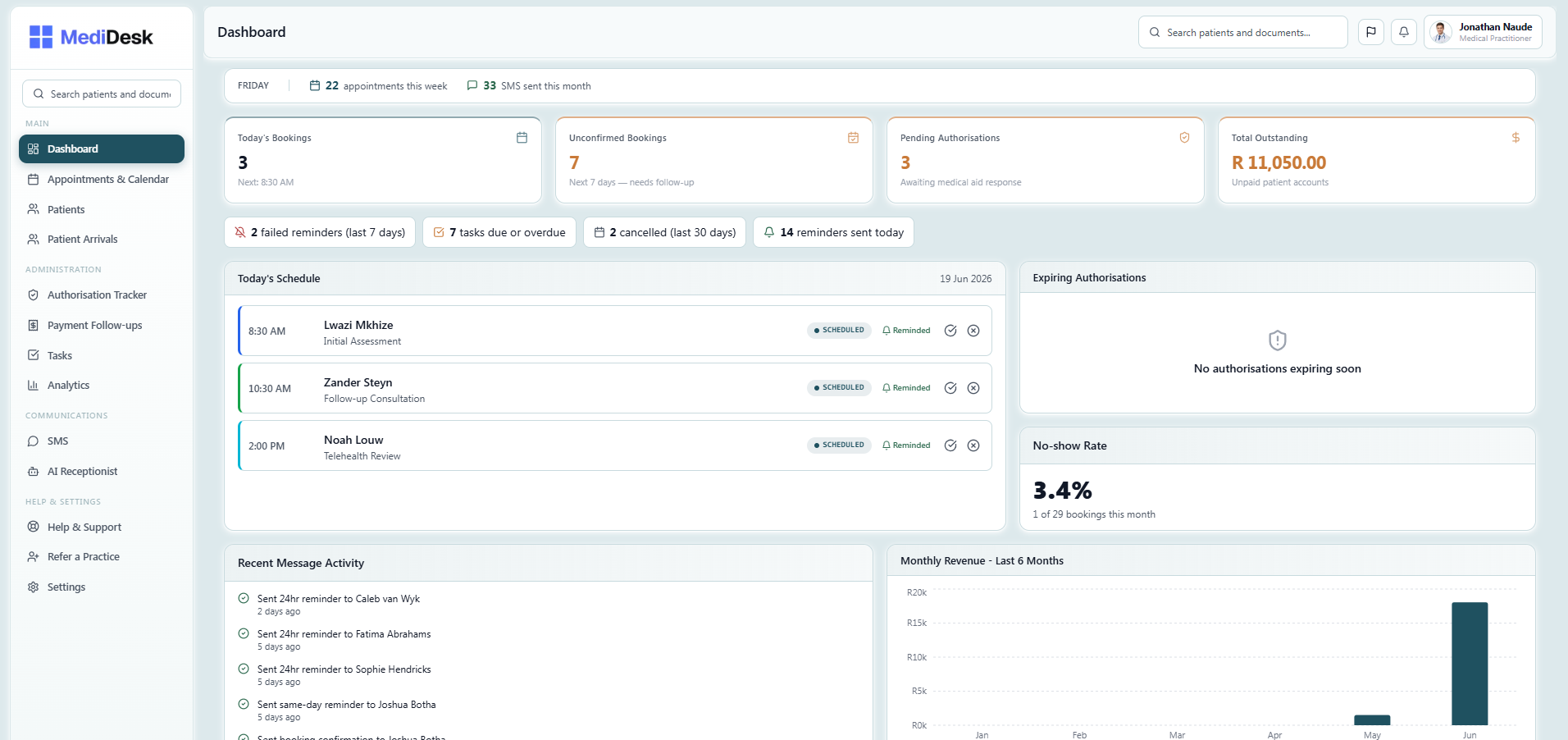
MediDesk practice dashboard showing today's bookings, patient queue and operational alerts

Two jobs that run themselves

The calendar talks to your patients. The phone answers itself.

Calendar + SMS Booking confirmed

Thu 18 Jun, 10:00 physio follow-up. SMS confirmation sent.

Auto-confirmed

Appointments & reminders

Every booking triggers a confirmation, then reminders on your schedule.

No separate step. No copy-paste. The calendar and SMS system are the same thing.

How SMS reminders work
Incoming call Book a treatment follow-up

AI checks the diary, books the slot, sends the confirmation.

AI handled

AI Receptionist

Routine calls handled without pulling reception away from the desk.

Patients book, reschedule or cancel by phone. Your team only picks up when a call genuinely needs a person.

See AI Receptionist

The connected workflow

From booking to consultation, with less manual work at every step.

Every patient interaction moves through a connected chain. The calendar, SMS, AI Receptionist and team view all talk to each other, so your staff only need to intervene when something actually needs human attention.

Booking lands in the calendar

A patient is booked by reception or by the AI Receptionist. The slot is reserved, the patient profile is connected and the confirmation SMS fires automatically. No separate step needed.

Auto

Reminders go out without anyone pressing send

24-hour and same-day SMS reminders send automatically. Delivery status is visible in the dashboard, failed messages surface immediately so staff can follow up before the appointment, not after a no-show.

How SMS reminders work →
Auto

The AI Receptionist handles inbound calls

Patients who call to reschedule, cancel or ask routine questions get handled immediately, even after hours. The AI Receptionist updates the calendar in real time. Reception only picks up when a call genuinely needs them.

Learn about the AI Receptionist →
AI

Patient arrives, team already knows

Reception marks patients as arrived when they reach the practice. The arrivals queue updates in real time, so the team can see who is waiting, who stepped away and who needs to be called back when the practitioner is ready.

Live

Follow-ups surface, not slip through

Outstanding balances, missing authorisation documents, failed reminders and overdue tasks stay visible in the dashboard until resolved. Nothing goes quiet in someone's notebook, it stays open and assigned until it's done.

Tracked
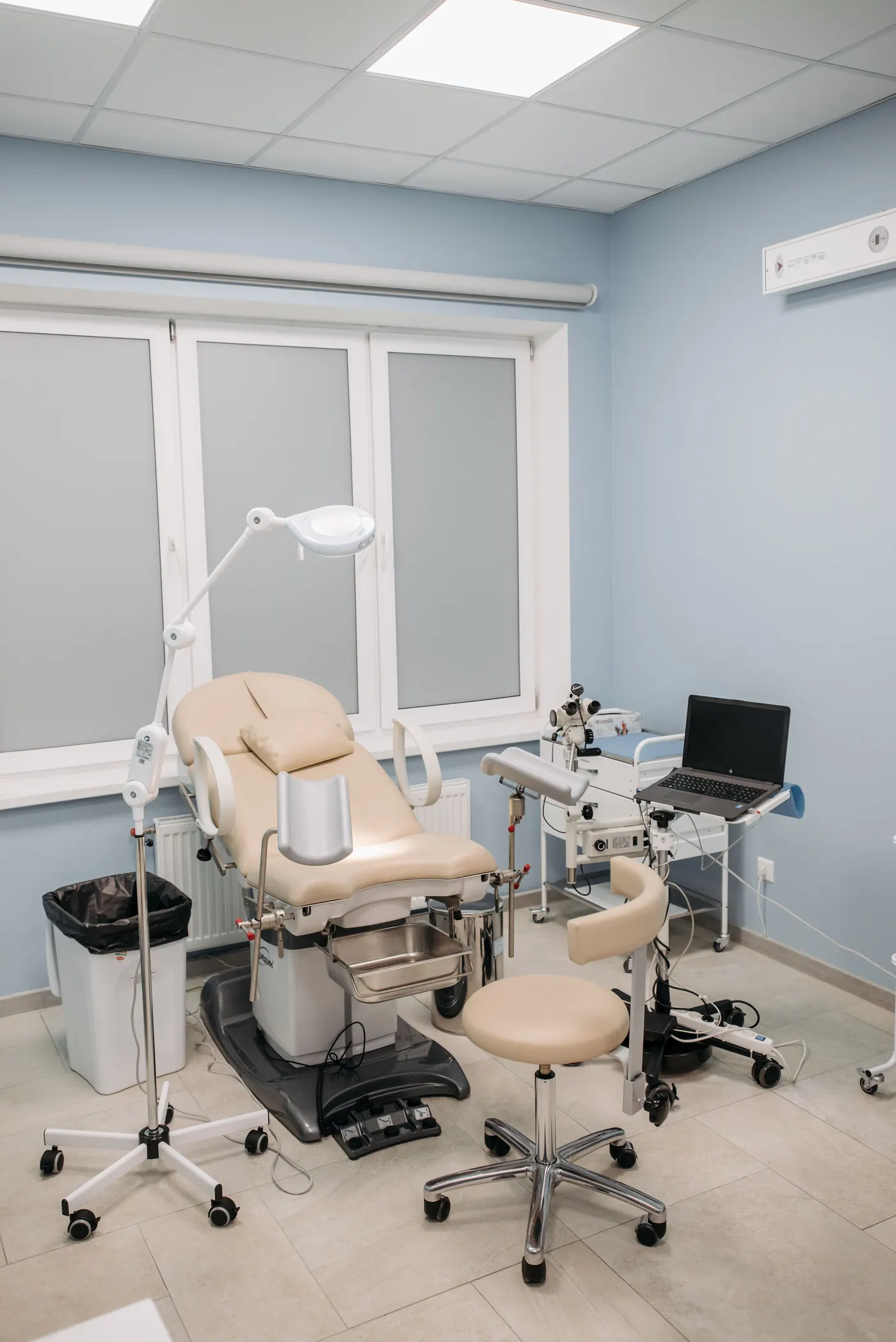
Clinical exam room

Calendar & reminders

A calendar that talks to your patients before reception does.

The moment a booking is created, a confirmation SMS goes out. 24 hours before and again on the day, a reminder fires. Your team sees which messages landed and which failed, all in the same view as the appointment.

  • Calendar and list views per practitioner
  • Drag-to-reschedule
  • Bulk-create repeat appointments
  • Confirmation SMS on booking, automatic
  • 24-hour and same-day reminders, automatic
  • SMS delivery status visible per appointment
  • Failed message alerts before the no-show happens
  • Open-slot finder across providers
Gap finder

Need to fit a patient in? The gap finder searches across practitioners, filters by appointment type and duration, and suggests the next available slots - no manual calendar scrolling.

AI Receptionist add-on

Calls that would interrupt reception, handled automatically.

The AI Receptionist answers inbound calls, books and reschedules appointments directly in the MediDesk calendar, handles FAQs and hands off to your team when a call needs a human. It works during the day and after hours.

Every call the AI handles is one fewer interruption for your receptionist. During busy mornings, that adds up quickly.

  • Answers calls and books directly into the calendar
  • Reschedules and cancellations without staff involvement
  • Handles routine FAQs about the practice
  • Transfers to reception when a human is needed
  • Works after hours, no missed new-patient enquiries
  • Every call logged and reviewable
Learn about the AI Receptionist
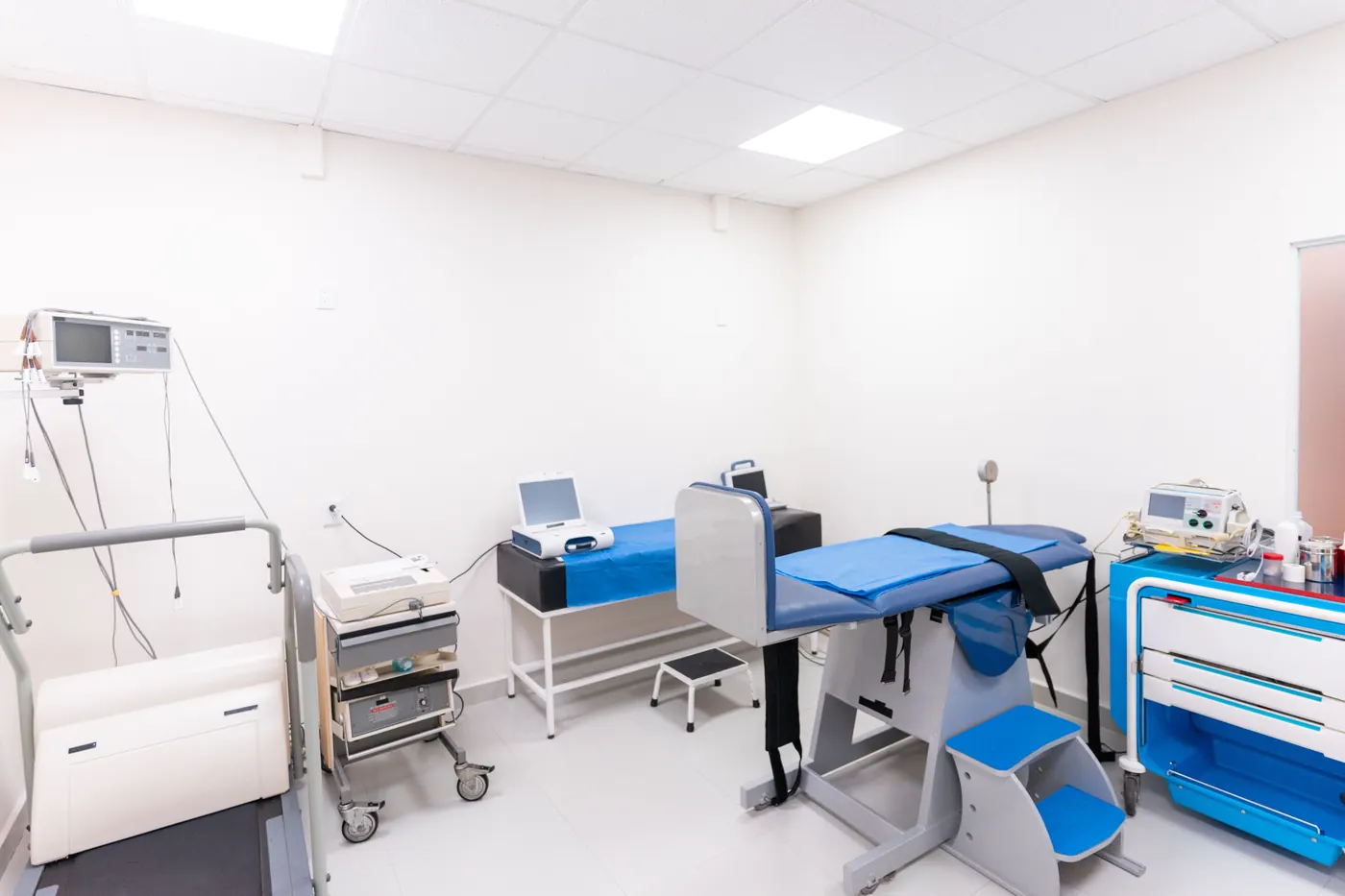
Exam room
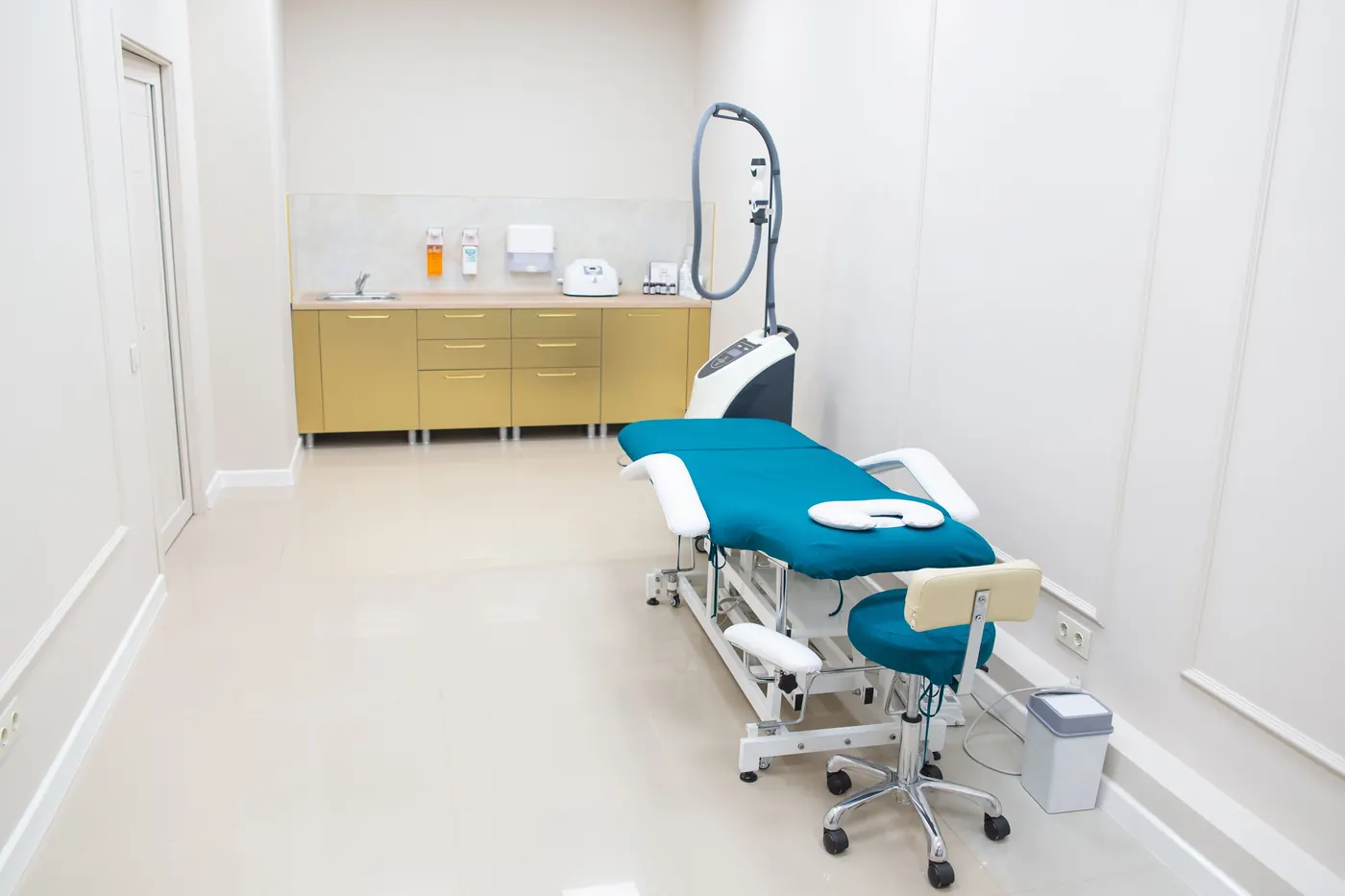
Consultation room

Shared team view

Reception, billing and admin, looking at the same picture.

The dashboard gives every staff member, based on their role, a live view of what is booked, who has arrived, who is waiting on a document, who has an outstanding balance and what needs a follow-up today.

No morning briefing needed to communicate what's open. No verbal handoffs. No post-it notes. The system holds the state, staff just act on it.

  • Role-based access, each staff member sees what they need
  • Reception-entered arrivals queue
  • Waiting, stepped-away and call-back status
  • Billing flags visible next to the appointment
  • Auth and document issues surface before the consultation
  • Named staff tasks with due dates and ownership
Arrivals queue

Reception marks patients as arrived, stepped away or waiting for a call-back. The queue updates live so the whole team sees who is in the waiting room without asking reception. Available from MediDesk Pro.

All modules

Everything else that keeps a practice running.

Beyond the connected workflow, MediDesk includes the admin depth practices need for billing, authorisations, documents, compliance and analytics.

Practice staff stamping patient intake paperwork

Billing & payment follow-ups

Track patient-liable amounts, payment requests, collection stages and admin risks around billing, all linked to the patient profile.

  • Outstanding balance tracking
  • Collection stages
  • Secure patient payment pages
  • Online payment via PayFast
Billing intelligence

Surfaces billing risk flags automatically: aged debt by stage, missing payment action, accounts that have gone quiet and accounts with a pending patient-liable balance that haven't had a follow-up logged. Available on MediDesk Pro (basic) and MediDesk Max (full).

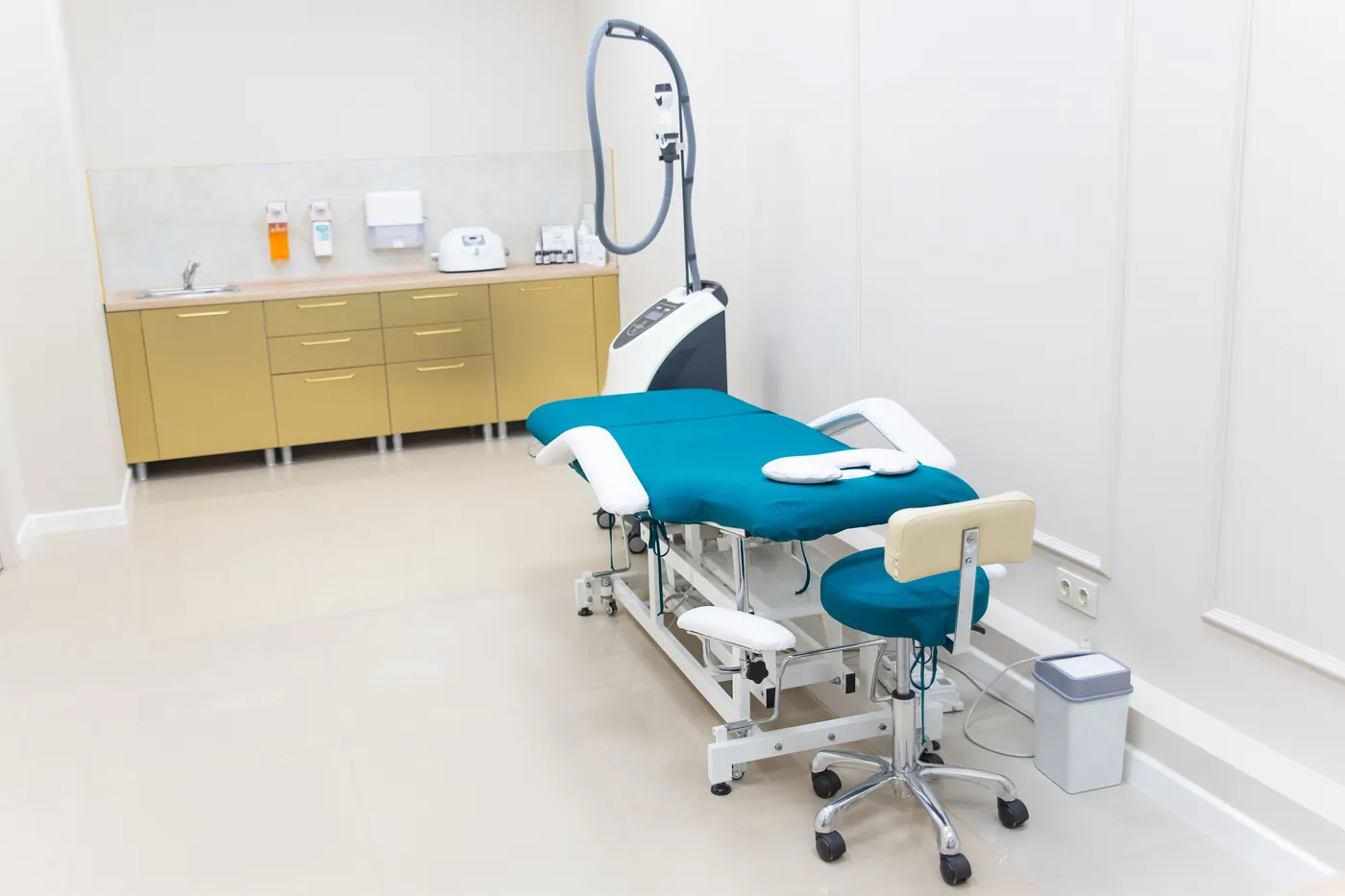
Procedure room with a laptop beside clinical equipment

Authorisations

Track authorisation details where relevant, ICD-10 codes, supporting documents, approval status, expiry dates and follow-up dates per patient.

  • Scheme & ICD-10 lookup
  • Requested & approved amounts
  • Expiry and missing-info alerts
  • Supporting document links
  • Pending / expiring dashboard view
Practice desk with patient paperwork

Patient profiles & documents

Full patient history, demographics, medical aid, appointments, authorisations, payments, documents, tasks and notes, in one connected profile.

  • Full appointment & auth history
  • SMS communication log per patient
  • Document folders & uploads
  • Notes & tasks linked to patient
  • POPIA consent tracking
  • Data export & erasure workflows
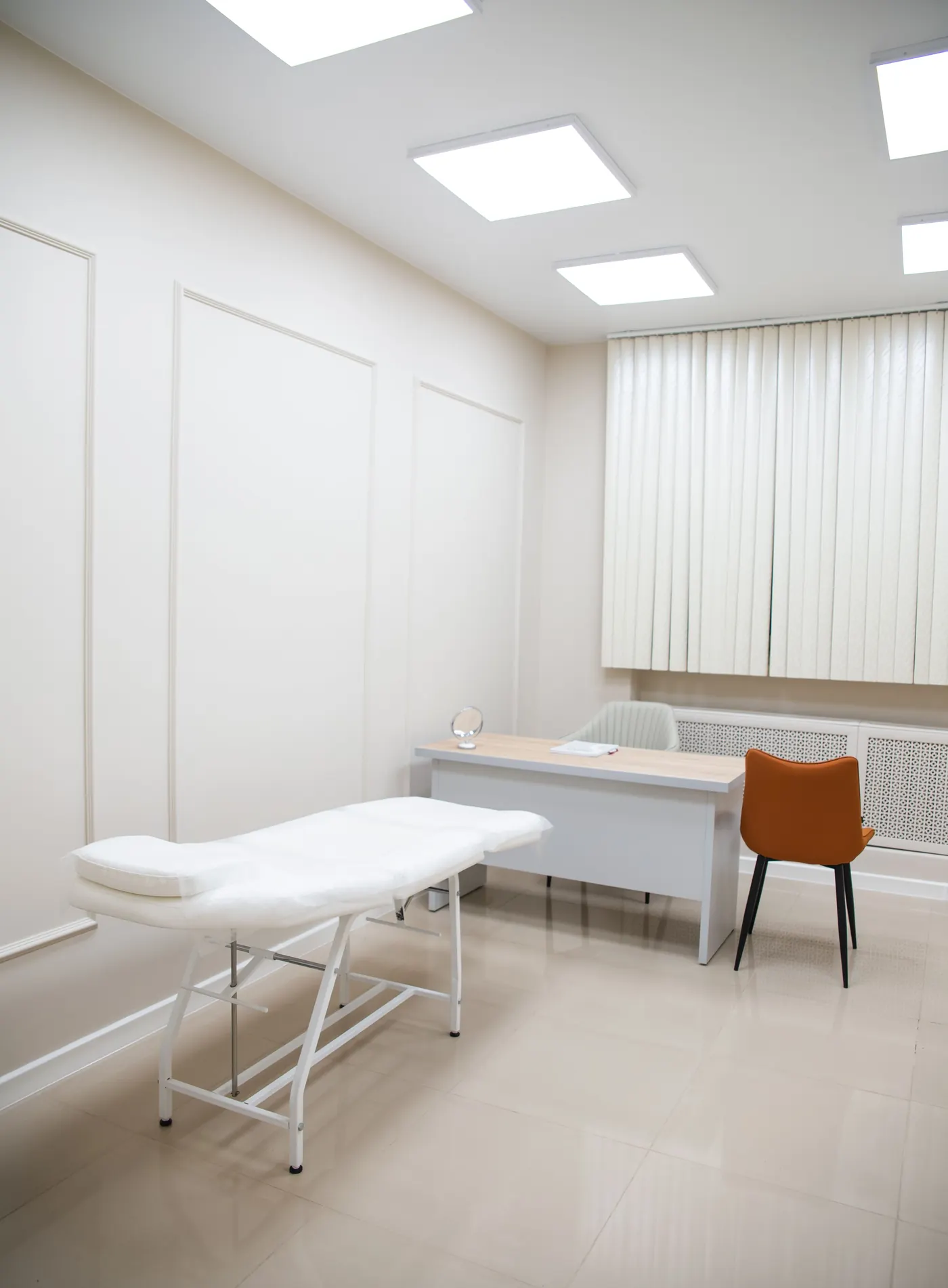
Clean consultation room prepared for patient follow-ups

Tasks & team follow-ups

Turn admin follow-ups into visible tasks, linked to patients, due dates and named staff members, so nothing sits unowned.

  • Create & assign tasks to staff
  • Priority levels and due dates
  • Link tasks to patient profiles
  • Complete, reopen or cancel
  • Calendar-linked due dates
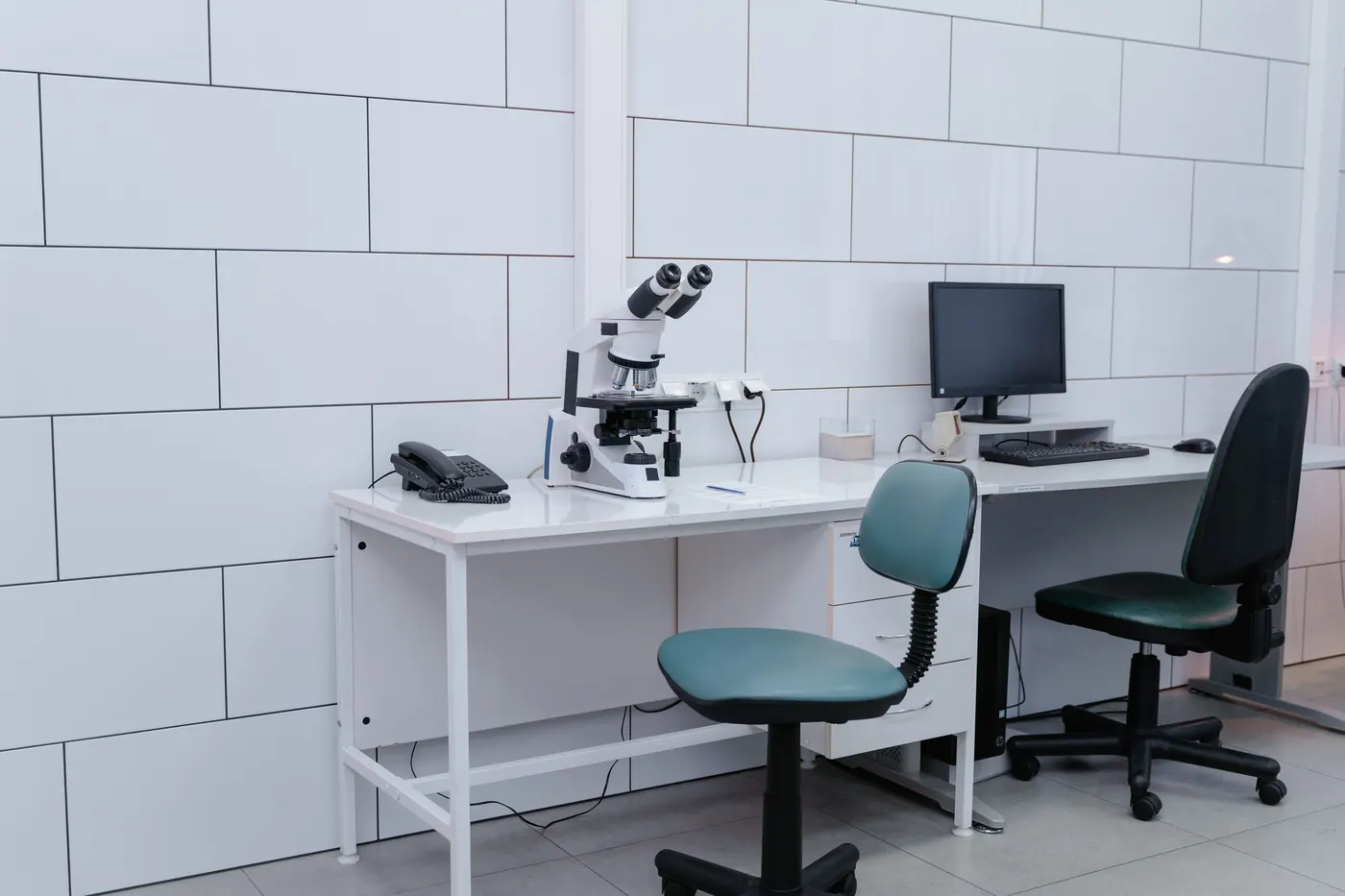
Clinical workstation with microscope and computer

Access control & audit

Named staff accounts, role-based permissions and patient access logs, so you know who saw what, and your team only accesses what they need.

  • Named accounts, no shared logins
  • Role-based permissions
  • Patient audit logs
  • POPIA-aware consent workflows
  • Data export & anonymisation
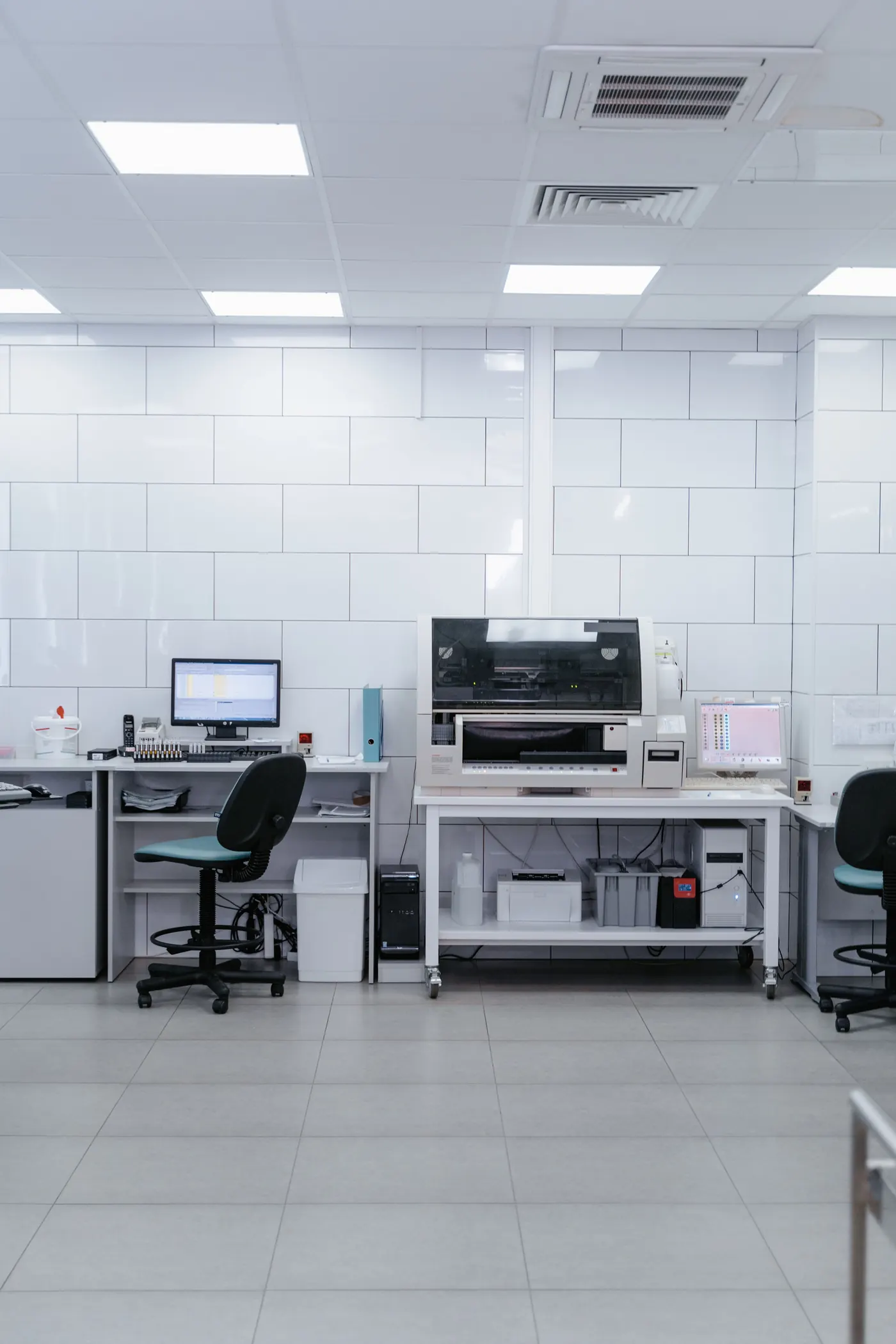
Medical office workstation with computer equipment

Analytics & reports

Trends in collections, authorisations, no-show rates, debt ageing and operational activity, visible without running a report manually.

  • Practice snapshot dashboard
  • Collections trend
  • No-show rate over time
  • Aged debt by stage
  • SMS usage visibility

Ready when you are

Less chasing. Less manual work. More time for patients.

Join today or choose a plan when you are ready. MediDesk brings your calendar, reminders, accounts, authorisations and team follow-ups into one connected operating layer. Guided setup included - your team is operational in minutes, not days.